
AI Video Templates
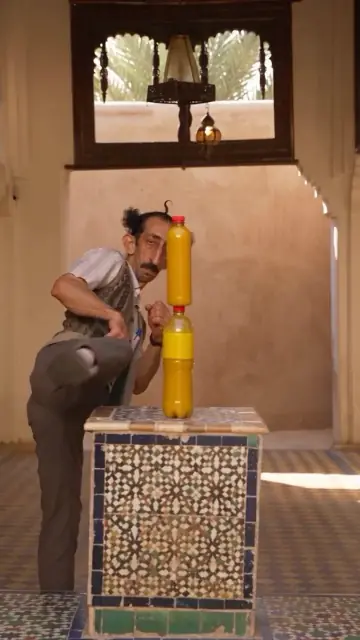
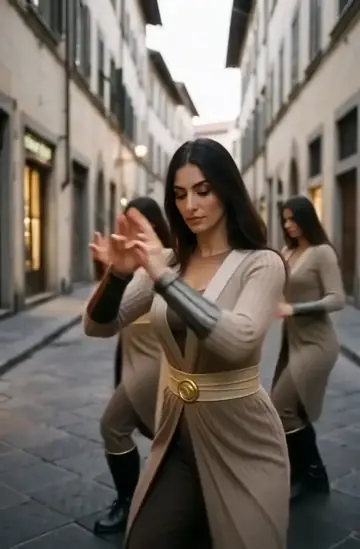
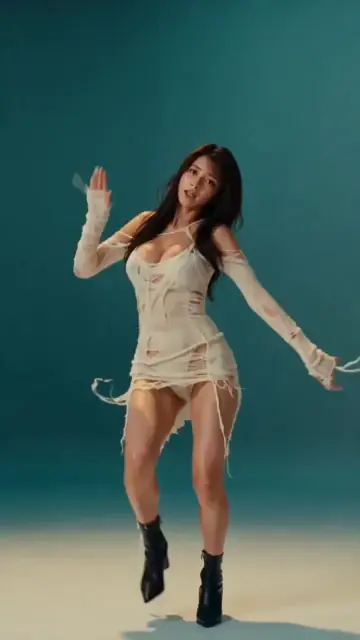
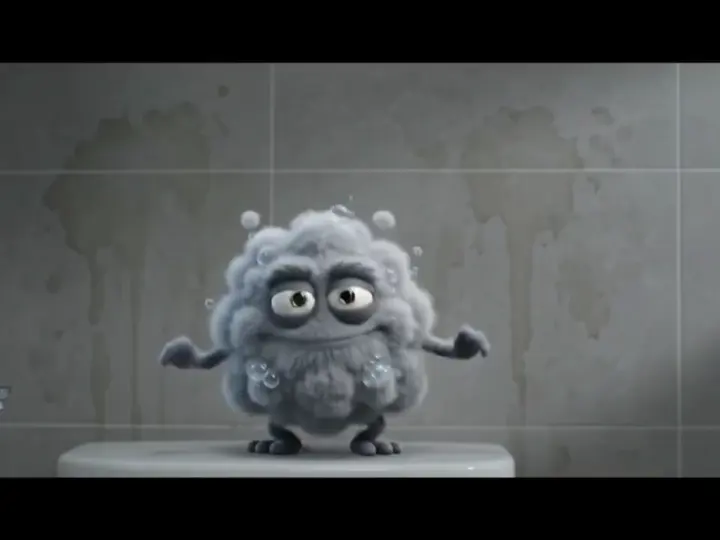
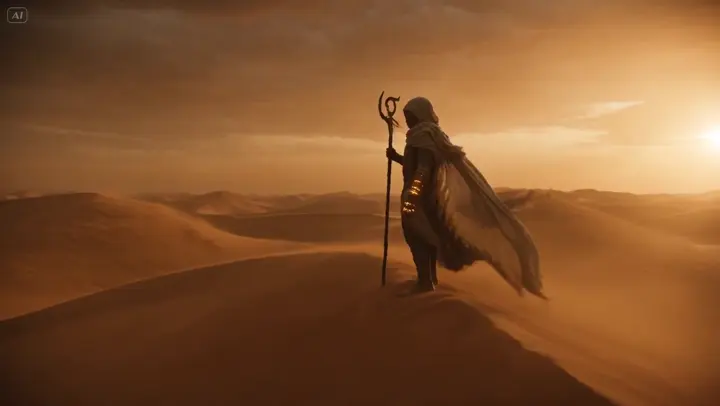
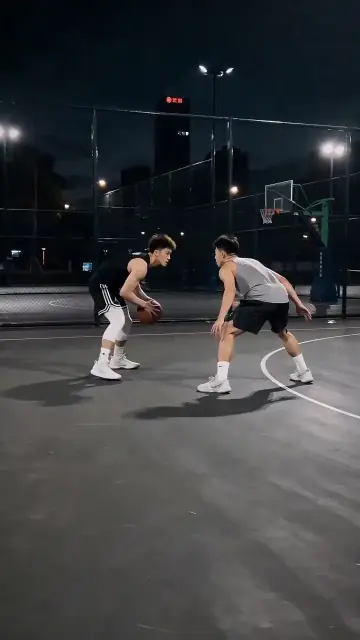
Browse AI video templates such as kung fu kicks, fashion clips, and character animation. Pick an effect, upload one photo, and get a vertical video.
Simple process
How to use an AI video template
1
Pick a template
Browse the templates and open the effect you like. Each card shows a preview and the kind of photo that works best.
2
Upload one photo
Add one clear photo. The template already includes the effect and camera move, so there is no prompt to write.
3
Generate and download
Check the credit cost, generate your vertical 9:16 video, and download it from My Creations when it is ready.
AI video template questions
An AI video template is a ready-made video effect, such as a kung fu kick or a fashion clip. You add one photo, and MiaReel uses the template's built-in effect and camera move to turn it into a short vertical video.
Use a clear, well-lit photo where the subject is easy to see. Each template card lists the kind of photo it needs, for example a full-body photo of one person for the kung fu kick.
Template effects and camera moves are fixed, and template videos are always vertical 9:16, the format TikTok, Reels, and Shorts show full screen. For a different motion or format, tap Write my own prompt and describe it yourself.
Each generation uses credits. The cost depends on the model and settings you choose, and the workspace shows it before you generate. See the Pricing page for plans and credit packs.
Credits are returned for eligible failed generations. A finished result that looks different from what you imagined is not a failed generation, so check your images and prompt before you start.